


€99,42
Hurry up! Only 1 left
Couldn't load pickup availability
Shipping, returns, and payments
-
Free delivery
-
30 days returns.
-
Money's Guarantee


Recently viewed products
SPECIFICATIONS
Battery Included: No
Brand Name: HUION
Choice: yes
Digital Pen: PW100
High-concerned chemical: None
Interface Type: USB
Origin: Mainland China
Press Keys: 4 Customized Press Keys
Report Rate: 233PPS
Tablet length: 200mm
Type: Digital Tablets
Working Area: 160 x 102mm (6.3 x 4in)
Ultra-thin & Wide Use
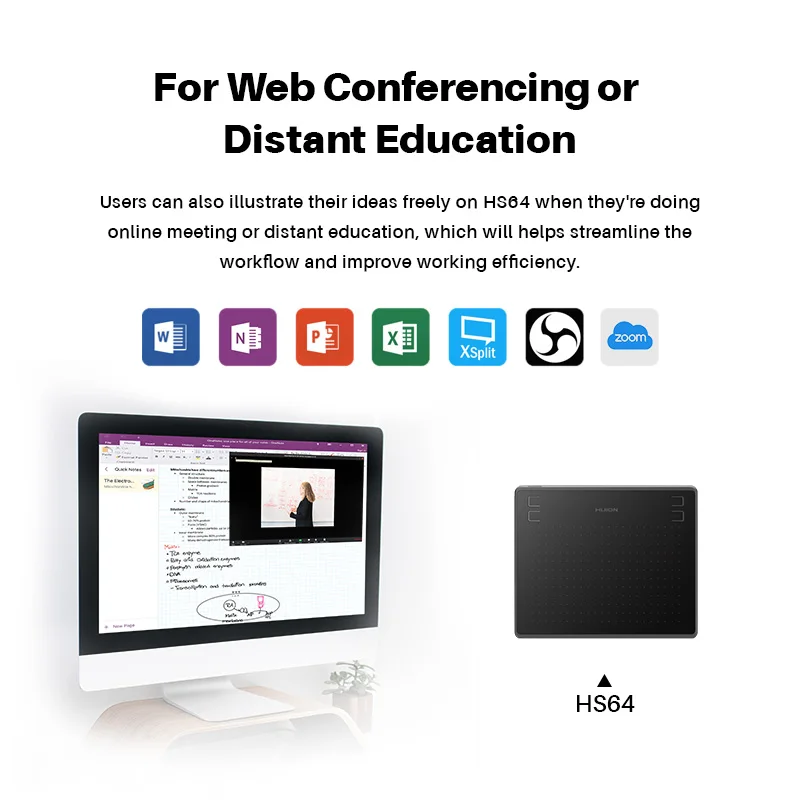
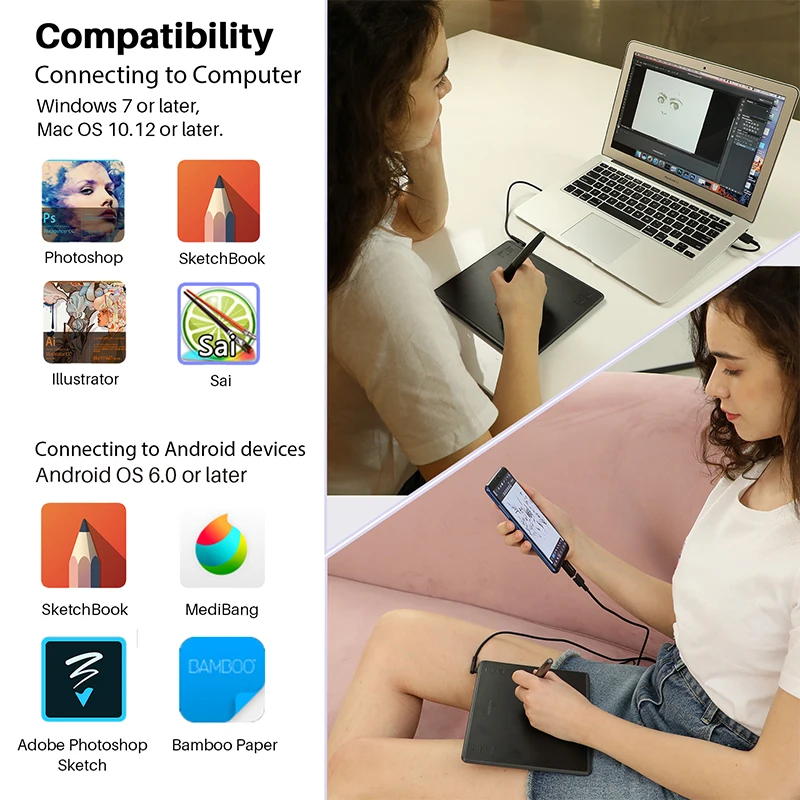
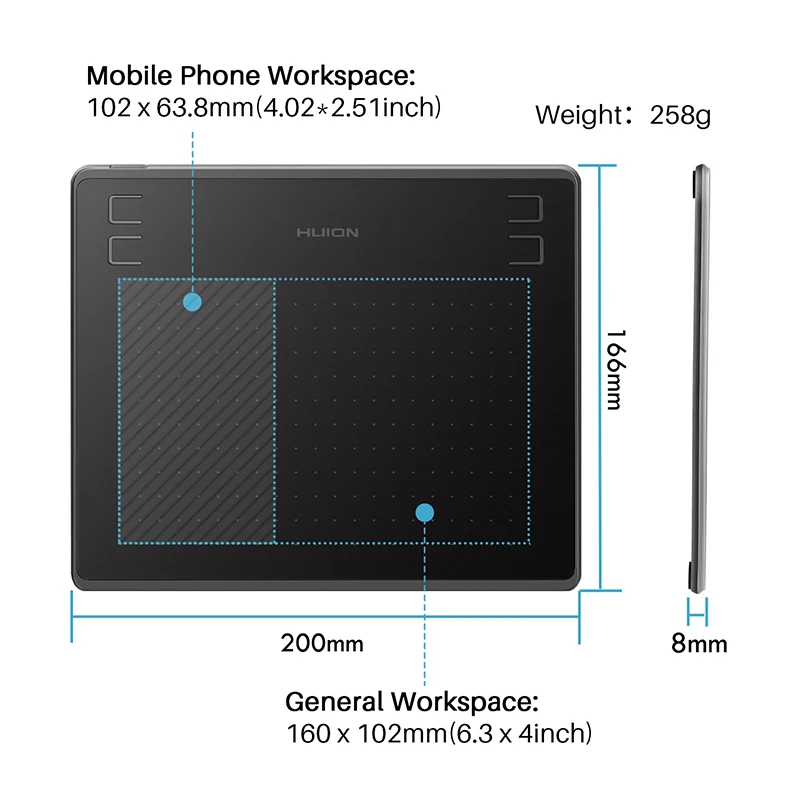
Huion HS64 graphic tablet is 258g weight and 8mm thick, support Android mobile phone connection, as well as macOS 10.12 or later and Windows 7 or later operating system. Compatible with Microsoft Office programs like Word, PowerPoint, OneNote and more.

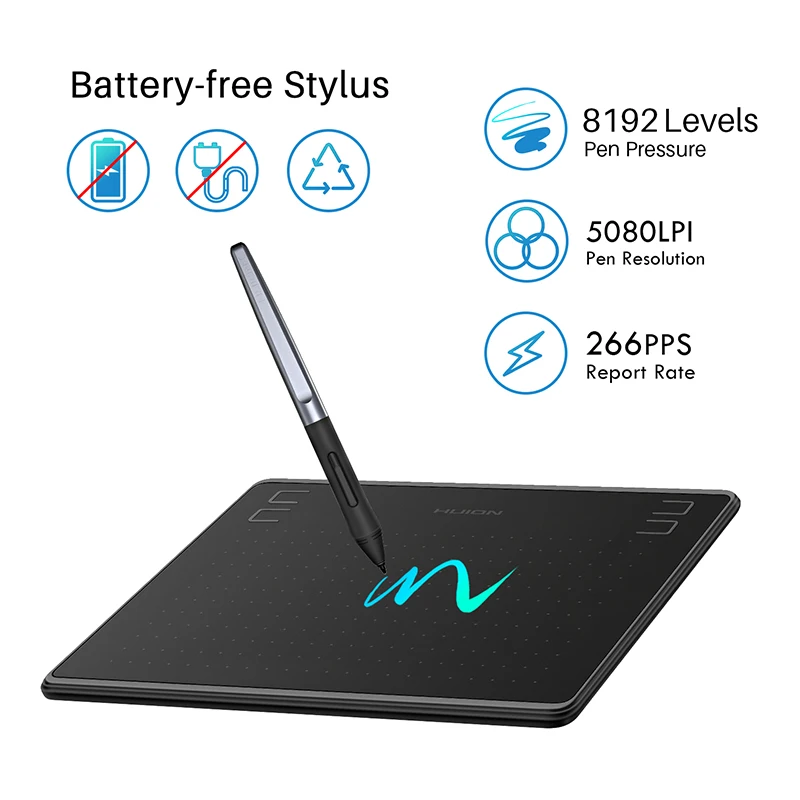
Battery-Free Pen for Energy Saving
Easily connect your device to HS64 tablet, play the OSU! Game or start your work, sketch, paint or edit photes, sign documents digitally, create mind-maps, draw diagrams or take notes. Nice choice for for Distance Education and Web Conference, online meeting or teaching.
Large Working Area
The pen tablet features PC/ laptop work area is 160 x 102mm and mobile phone/tablet work area is 102 x 63.8mm. 5080 LPI pen resolution and 266PPS Report rate provides smooth drawing for your artwork creation. Not suitable for IPhone/iPad/HUAWEI jMM-ALOO&VNS-T200. Note: The cursor does not show up in SAMSUNG at present.

Convenient 4 User-defined Express Keys
Providing more customization options at your fingertips, capture and express your ideas faster and more easily.

Packaging
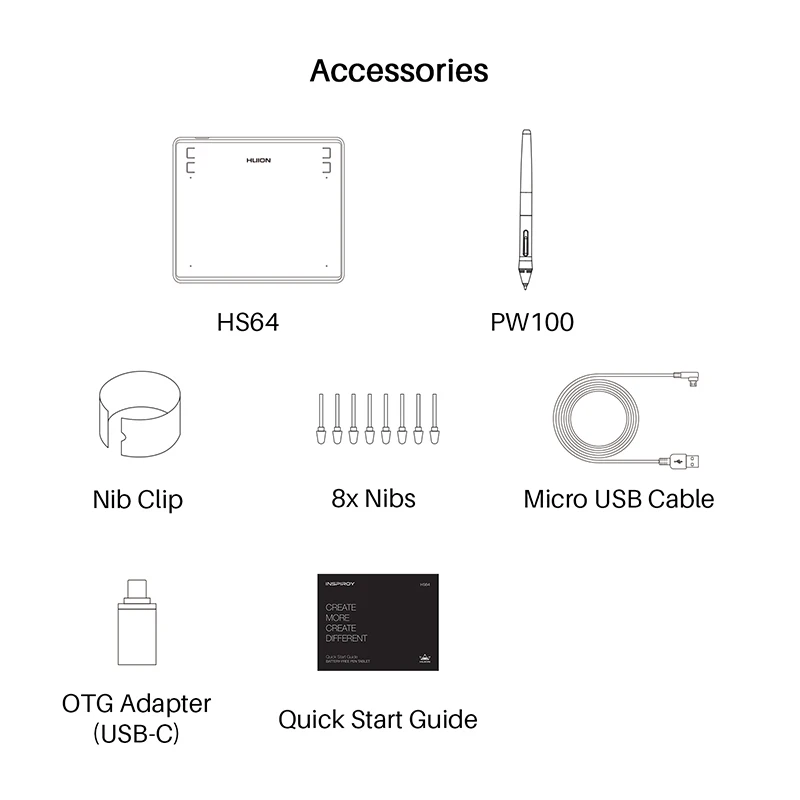
1*HS64 drawing tablet
1*PW100 Pen
1*Nib Clip
8xNibs
1*Micro USB Cable
1*OTG Adapter(USB-C)
1*Quick Start Guide
1*PW100 Pen
1*Nib Clip
8xNibs
1*Micro USB Cable
1*OTG Adapter(USB-C)
1*Quick Start Guide
FAQ:
1. Can I connect HS64 to iPhone or iPad?
Sorry, but NO. Currently, these two models only support Windows 7 or above, Mac OS 10.12 or above and Android 6.0 or above.
2. Why is part of my Huion tablet not responding when connected to my Android phone or tablet?
Once connected to a phone or tablet, the Huiontablet will automatically detectand change intophone mode, in which the pen can only work in the area to the left. Buttons on both the Huion tablet and the pen will not work in phone mode either. Also you cannot rotate your Android phone or tablet when using Phone mode.
3. Do I need to install a driver when connecting the tablet to an Android phone or tablet?
Nope. The pen tablet can work without installing any driver into your phone or tablet.
But you’ll need to install a driver first when connecting to a PC.
4. What should I do when the tablet fails to enter the phone mode?
When the HS64 pen tablet failed to enter the phone mode automatically, please press the button ① for 3 seconds to enter the phone mode.
